

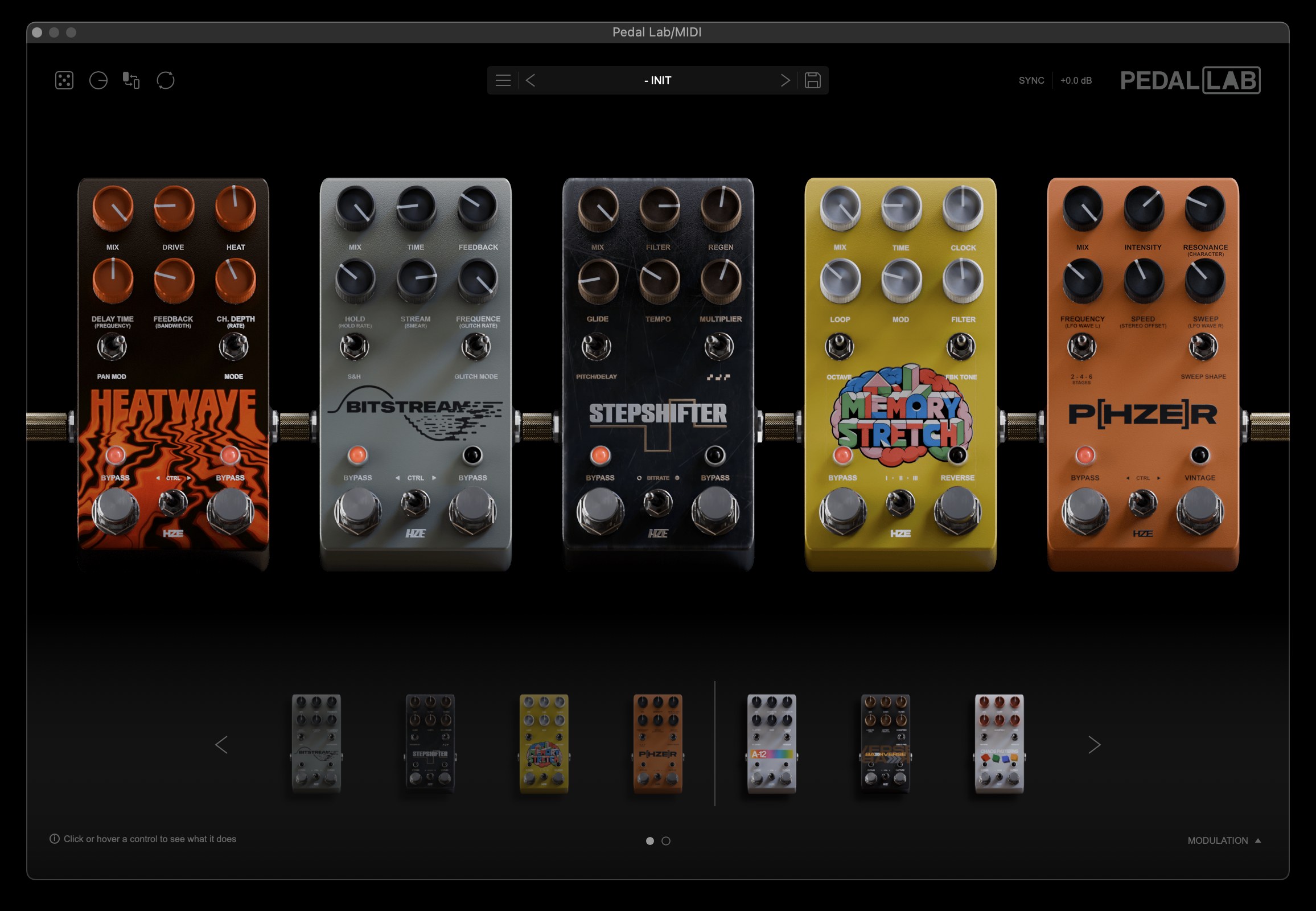
Explore the pedals.
A full set of original effects, each with its own character. Load up to five into a chain, reorder them and combine them into something new.
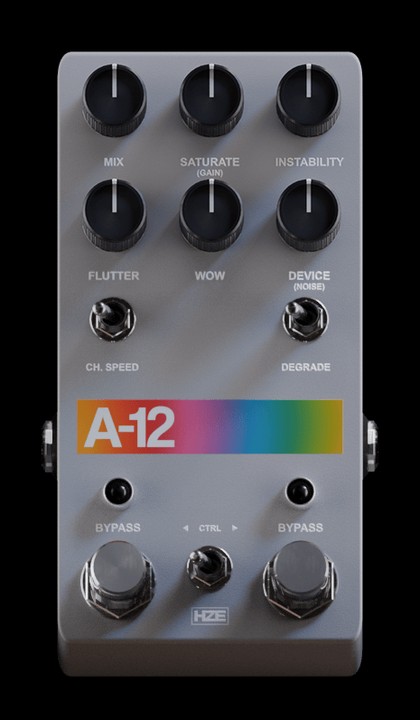
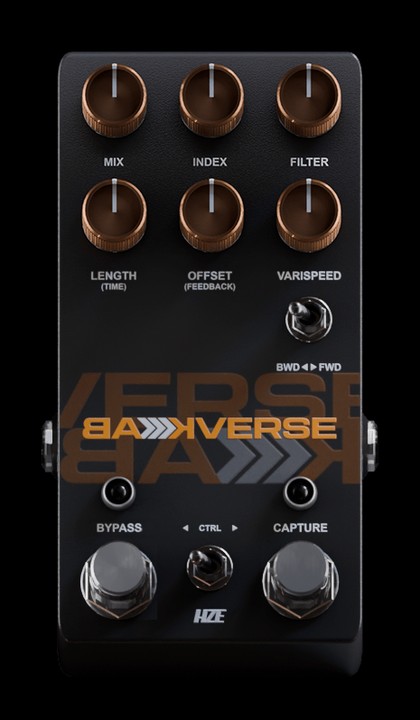
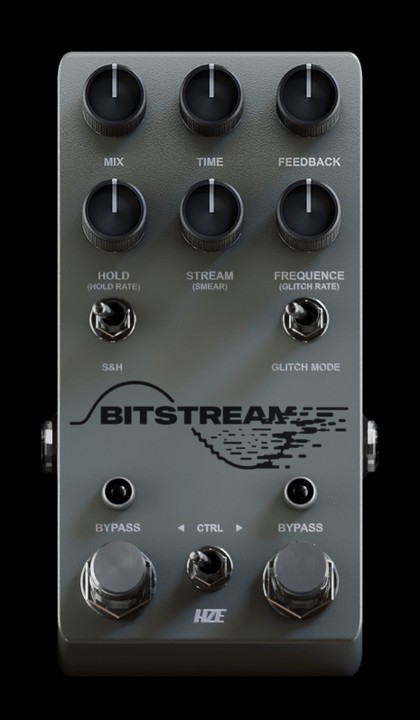
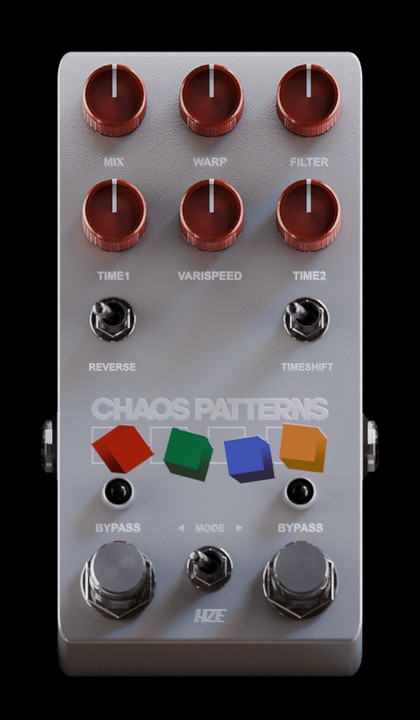
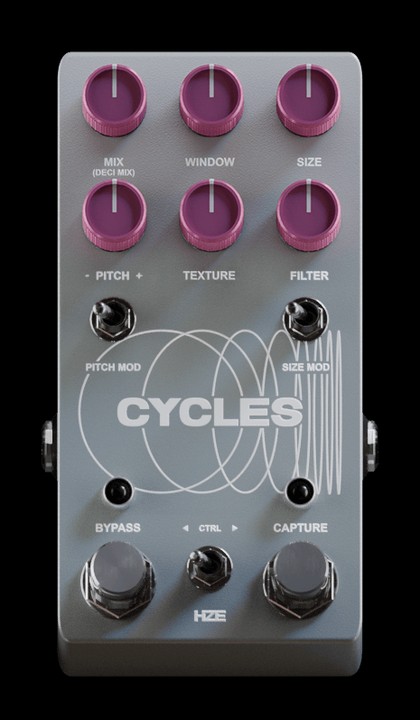
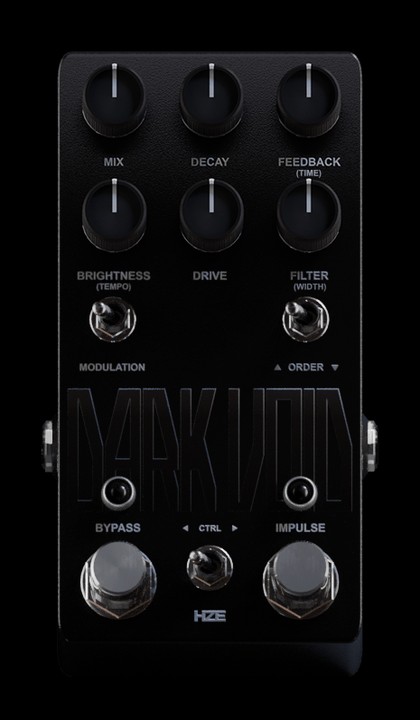
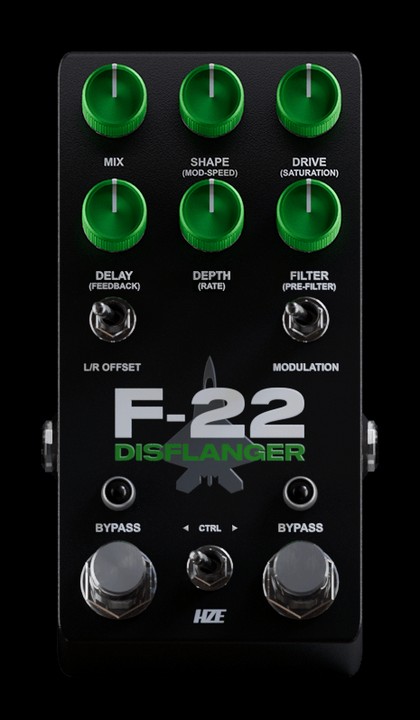
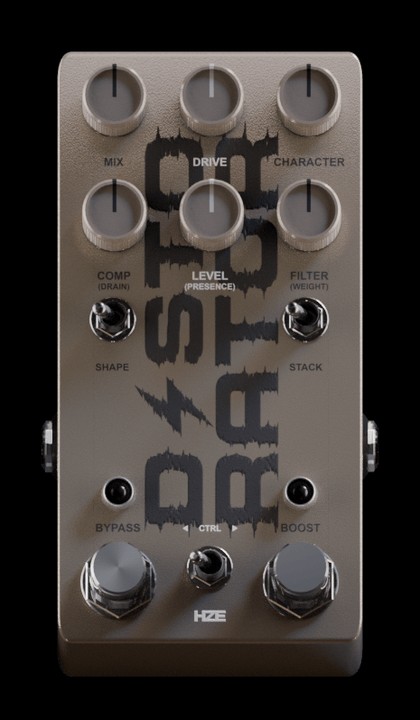
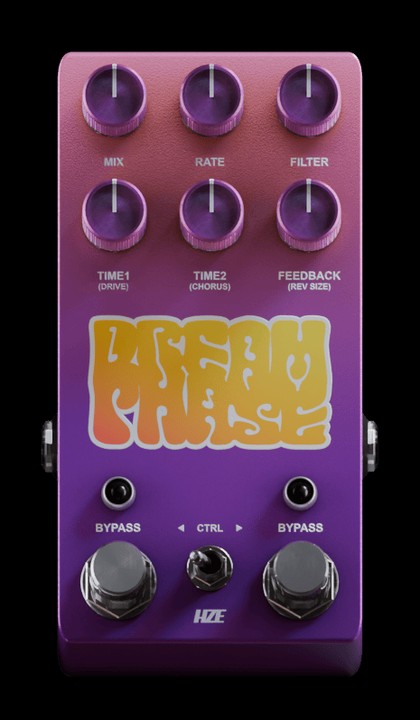
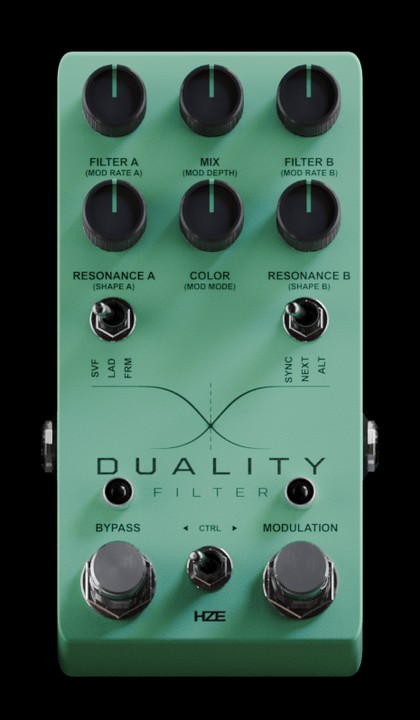
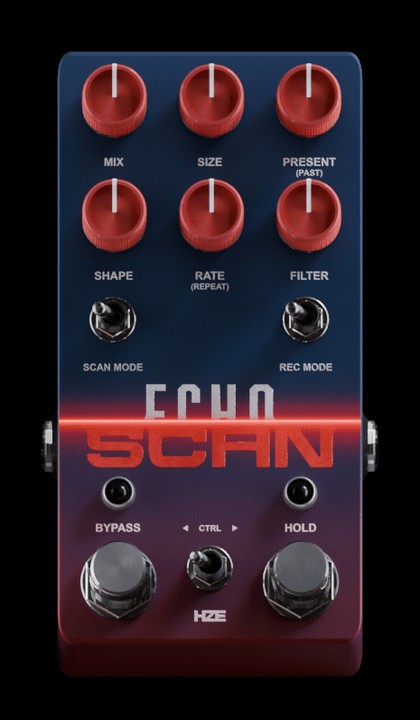
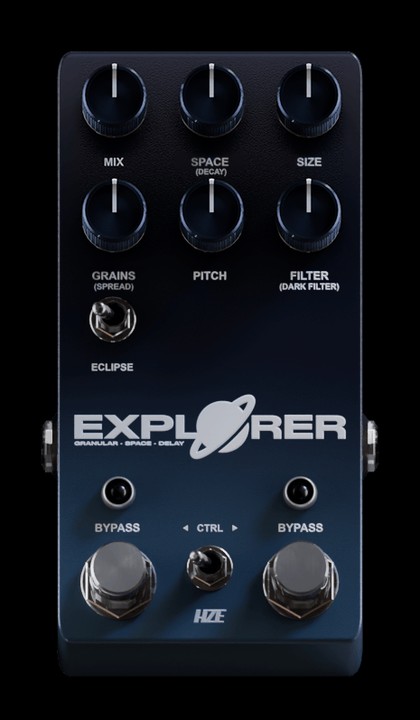
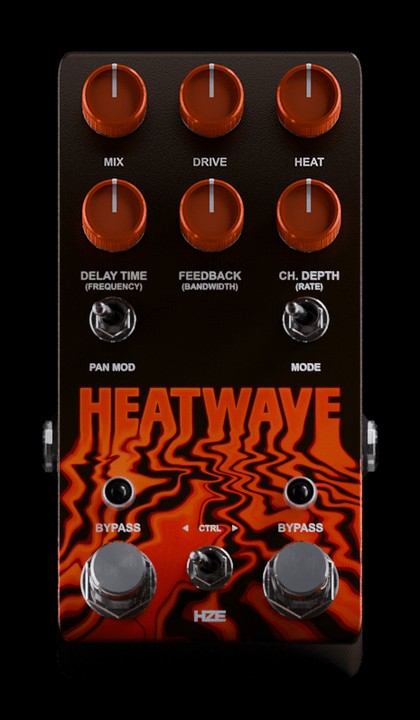
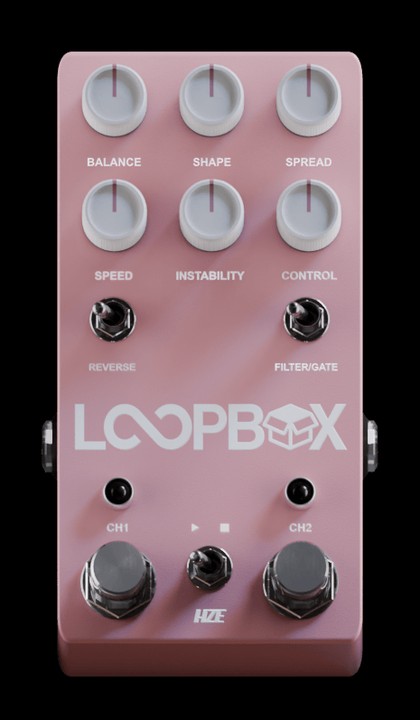
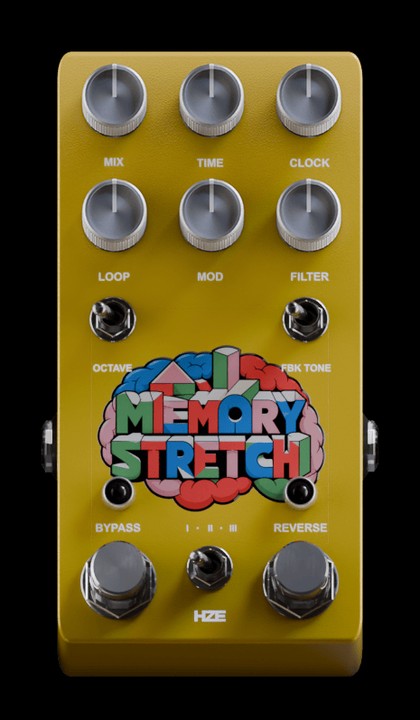
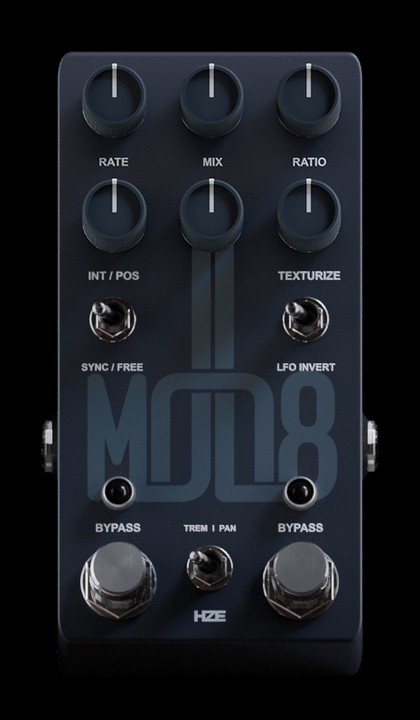
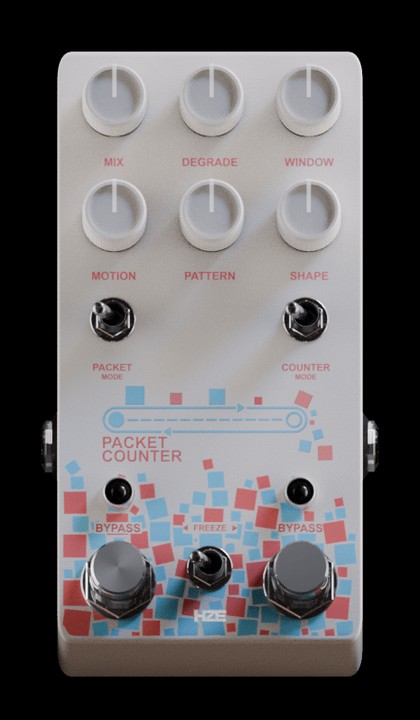
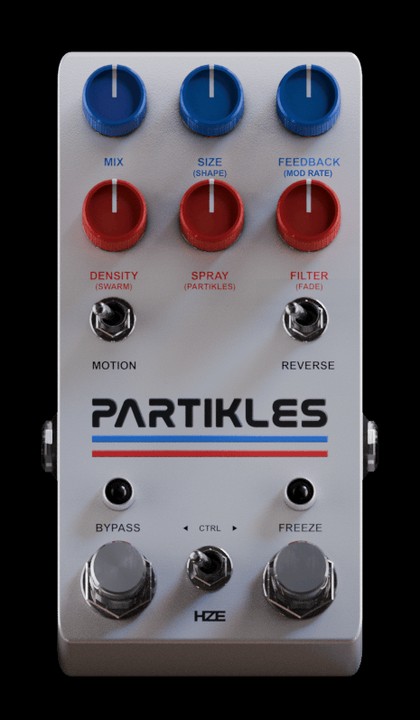
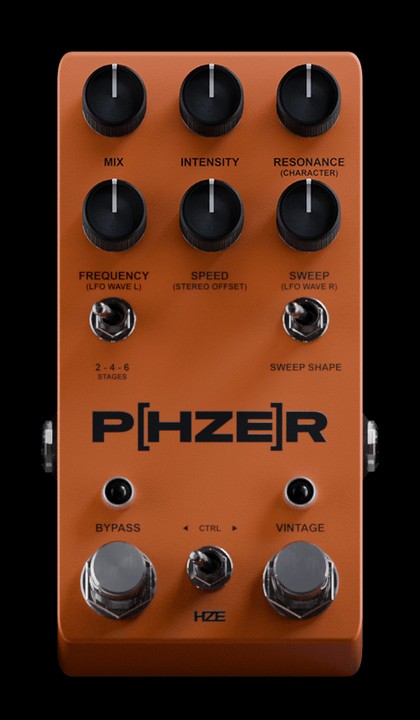
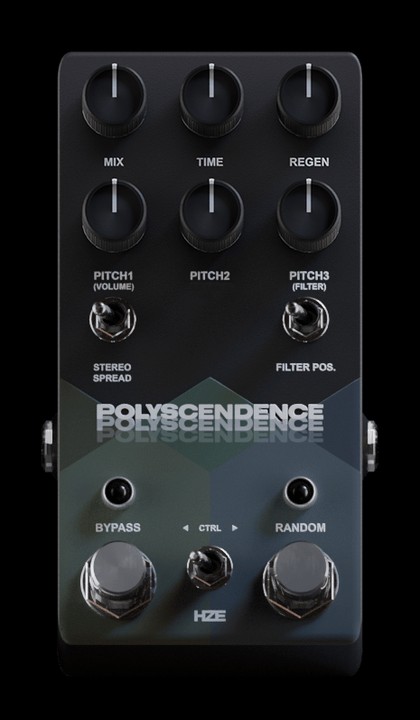
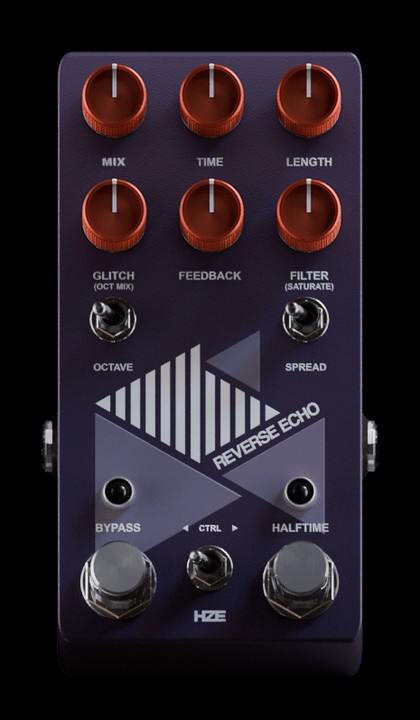
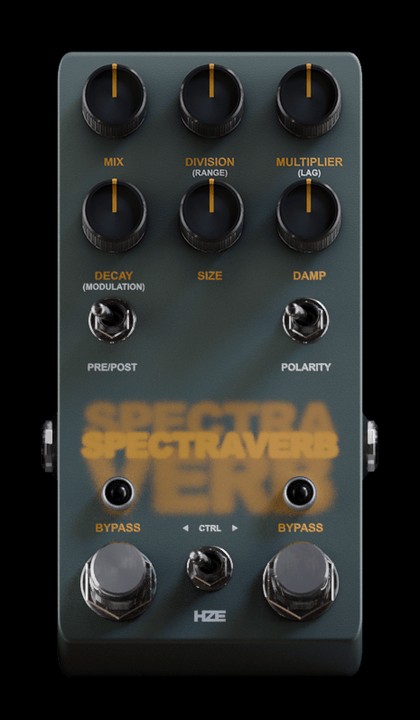
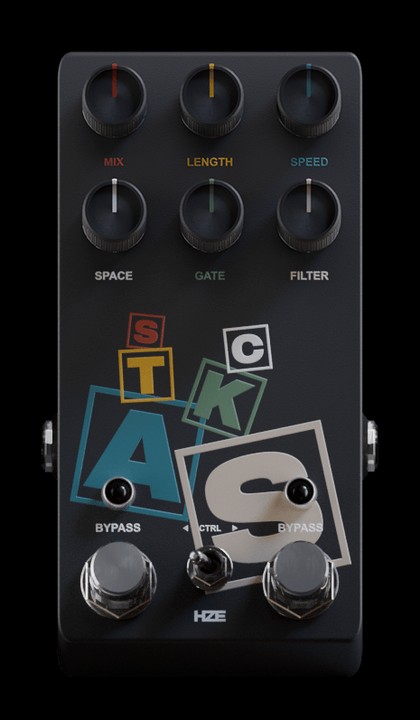
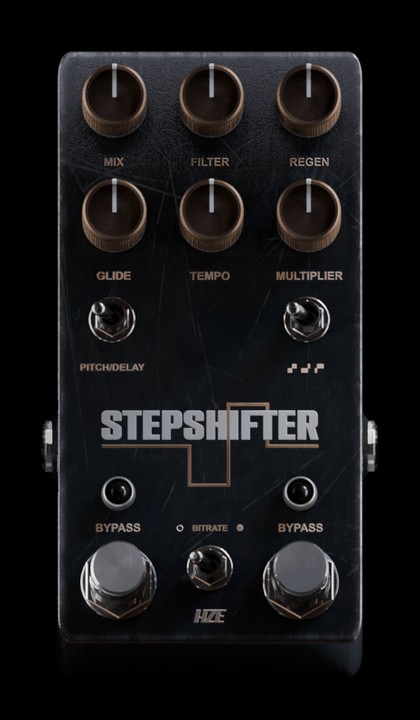
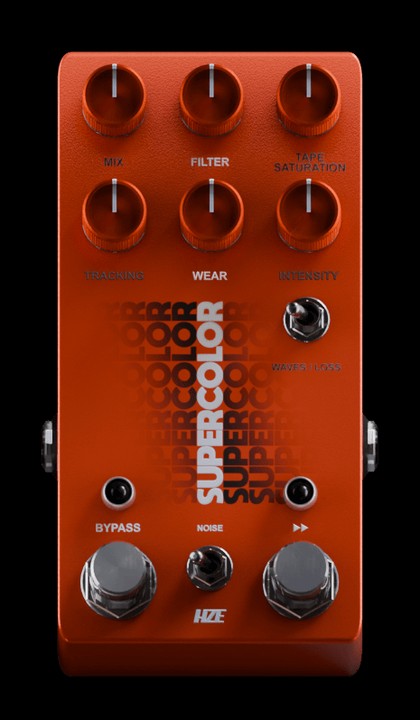
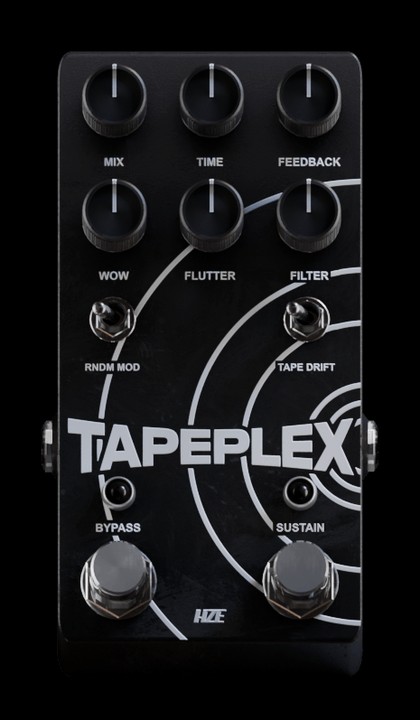
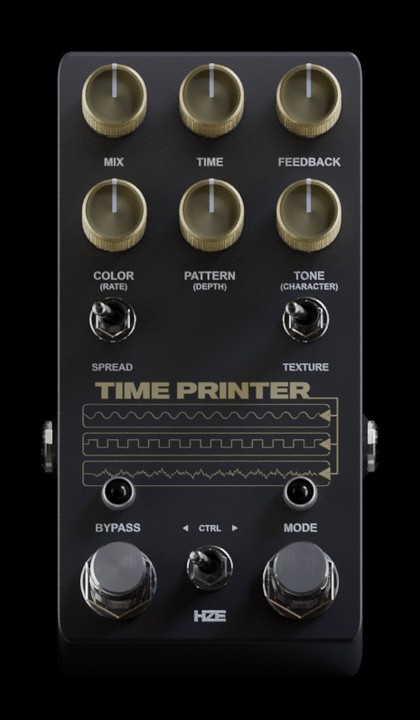
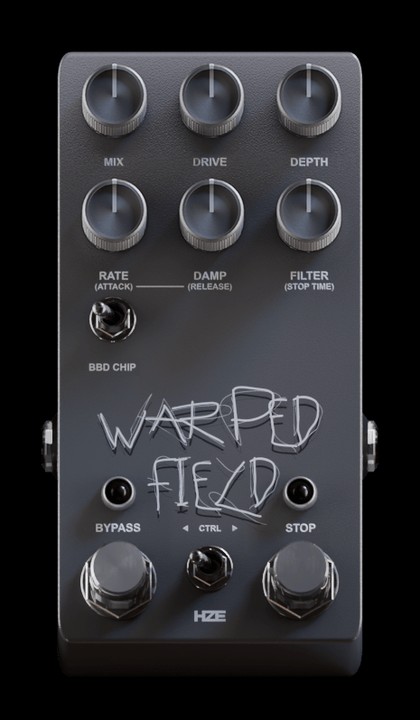
5 pedals
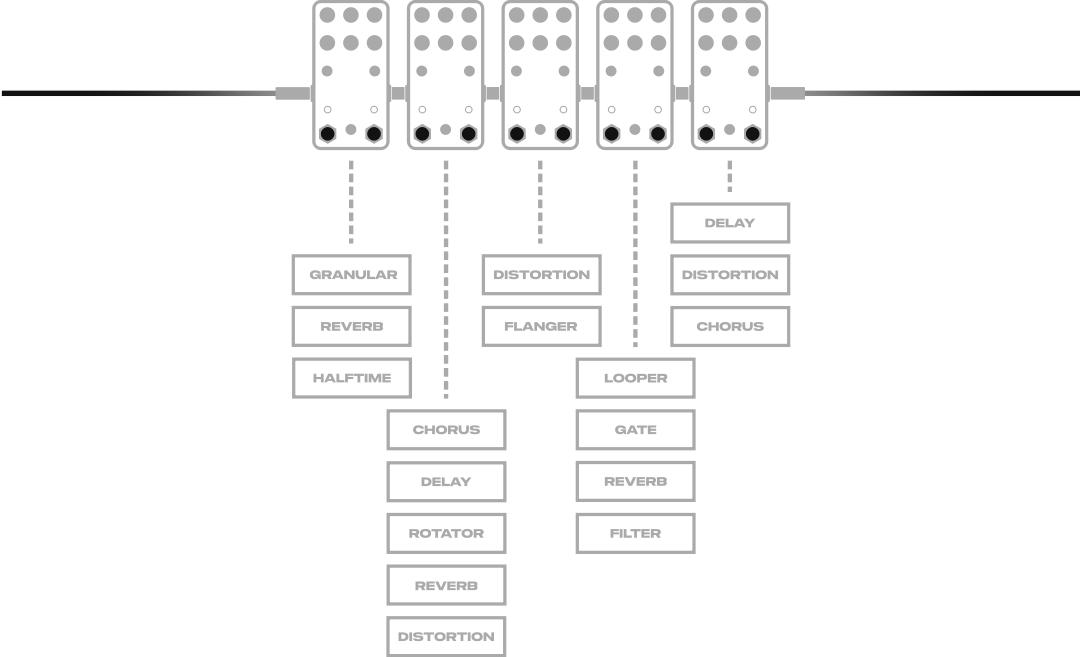
≠ 5 effects
Many of the pedals combine several processing stages. With the right combination, a five-pedal chain can bring together more than ten effects working as one system.
Build it. Generate it. Break it.
Four ways to experiment with the same set of pedals until something unexpected happens.
Build your chain
Combine up to five pedals and arrange the signal path in any order.
Generate from words
Describe a sound in plain words and let the offline engine build a matching chain.
Controlled randomness
Roll new pedal combinations, or keep the chain and randomise only its parameters.
Modulate every pedal
Two LFOs per pedal add synced or free-running movement to individual controls.
Offline Prompt Engine
Type what you want to hear. Pedal Lab reads recognised sound, effect and character words and builds a matching pedal chain. It runs on your system and is never sent to a cloud service.
Two LFOs on every pedal
Shape waveform, rate, depth, polarity and phase. Run modulation freely, lock it to tempo, or blend both LFOs together with Fusion for movement at every stage of the chain.

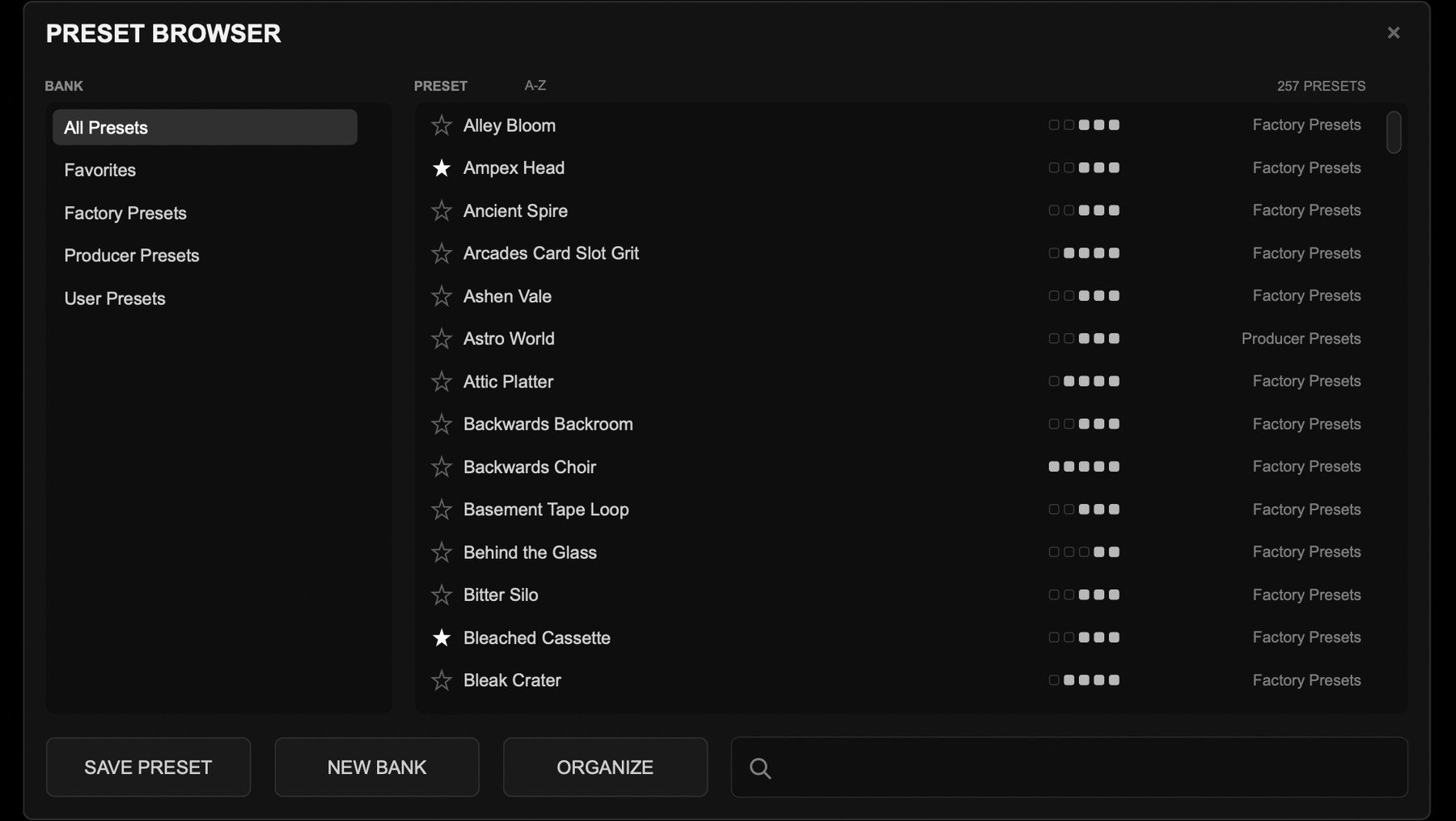
Start from 250+ presets
Browse factory and producer presets from one place, or save your own complete chains. Every pedal, parameter and modulation assignment is stored together and ready to recall.
Plus 400+ bonus presets: a dedicated set for every individual pedal, and combinations built only from pedals within the same series.
Frequently asked
Which formats and operating systems are supported?
macOS 10.13 or newer: VST3 and AU, with native Apple Silicon support.
Windows 8.1 or newer: VST3 64-bit.
Which DAWs are compatible?
Pedal Lab works in most major DAWs, including Ableton Live, Logic Pro, FL Studio, Studio One, Cubase and Bitwig. Pro Tools is not supported, as an AAX version is not currently available.
What is the installation and activation process?
An internet connection is required for activation and periodic licence validation.
- After checkout you receive an email with your licence code and installer download link.
- Download and run the installer.
- Open Pedal Lab in your DAW.
- Enter the email used for the purchase and your licence code.
- Select Activate. Pedal Lab is ready to use straight away.
Can I use the licence on multiple devices?
Yes. Each licence includes two activations for your own devices. Licences may not be shared; shared or unauthorised use may result in blocked activations and loss of access to updates or services.
Are the pedals based on existing products?
They are inspired by classic and experimental gear, but they are not emulations or 1:1 copies of existing devices. Every pedal was developed with its own design, character and identity, based on HZE Audio's own vision. None of these products are affiliated with, endorsed by, or should be associated with any hardware products or brands from other companies.
How do future updates work?
Technical updates, fixes and improvements to Pedal Lab are provided free of charge. New pedals and larger feature additions may be released separately as paid updates.
How can I get support?
For support, contact prodbyhze@gmail.com.
What is the refund policy?
As Pedal Lab is a digital product, purchases are generally final. A refund may be considered when a valid issue is clearly caused by the product and cannot be resolved through support.